
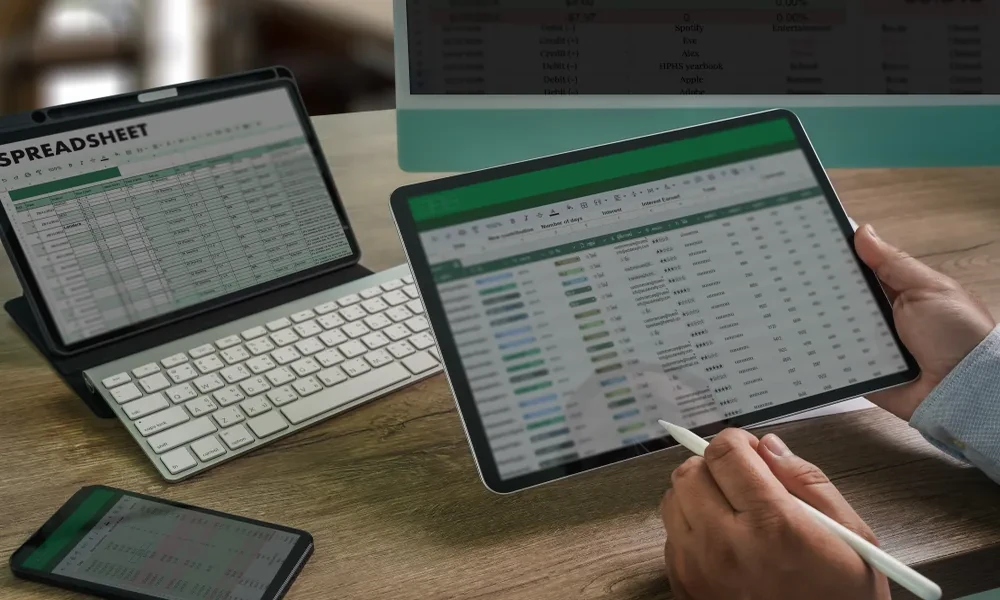
Most hiring trackers start life as a sensible little sheet: candidate name, role, phone number, stage, remarks. Then the team grows. Columns multiply, someone adds colour codes that only they understand, a second recruiter keeps a private copy “just for now”, and the remarks column turns into a running diary of calls, salary expectations and interview comments.
Sooner or later the sheet becomes the bottleneck. Moving to an applicant tracking system is the usual fix, and the software itself is rarely the hard part. The harder work lies in deciding what to carry over, what to leave behind and how daily habits will change once the spreadsheet is no longer the place where hiring lives.
Is Your Hiring Spreadsheet Showing These Warning Signs?
A few symptoms tend to appear together. Two people update the same row and one change disappears. A candidate gets called twice for the same role by different recruiters. A department head asks for last month’s numbers and somebody spends an afternoon building them. Feedback arrives on chat, by email and in corridor conversations, and only some of it reaches the sheet.
Any one of these is an irritation. When all of them happen in the same week, the team has outgrown the tool. Rising headcount makes matters worse quickly, because each new recruiter and each new hiring manager adds another set of personal habits to a shared file that was never designed for this many hands.
Which Spreadsheet Columns Should Become ATS Fields?
Before any data moves, list every column in the current tracker and ask what decision each one supports. Some map neatly into ATS software: name, contact details, role applied for, source, current stage, notice period and expected salary. Others turn out to be workarounds. A “status colour” column usually duplicates the stage field, and a “remarks” column often hides three or four different kinds of information that deserve separate fields.
This exercise is also the moment to agree on standard values. If one recruiter writes “portal” and another writes “online ad” for the same channel, source reports will be meaningless from day one. Picking a short, fixed list of sources, stages and rejection reasons before launch saves weeks of clean-up later.
Should Old Candidate Records Move Across or Be Deleted?
Spreadsheets tend to keep everything forever, including people who applied years ago and never heard back. Migration is a good moment to ask whether that data should exist at all. Under India’s Digital Personal Data Protection Act, 2023, personal data should be erased once the purpose for which it was collected has been served, unless the law requires it to be kept, and the rules notified in November 2025 phase in the detailed obligations over the following eighteen months.
A practical approach is to carry over active candidates and recent applicants, archive anything the company must keep for a legal or audit reason, and securely delete the rest, including stray copies sitting in email attachments and personal drives. Good applicant tracking software lets HR set a retention period, so this pruning happens automatically from then on instead of depending on someone’s memory.
What Changes in a Recruiter’s Day After the Switch?
The first difference is where work begins. Instead of opening the sheet and scrolling for today’s follow-ups, a recruiter opens a task list the system has built from the pipeline: candidates waiting for feedback, interviews to confirm, offers pending approval. Emails sent from inside the system attach themselves to the candidate record, so the history of every conversation sits in one place.
There is an adjustment period. Recruiters used to free-text remarks may find structured fields slower at first, and a few will keep a side notebook for a while. That habit usually fades once they see that finding every candidate who declined an offer over salary takes seconds, where the old sheet needed a long session of filters and sorting.
Why Do Hiring Managers Notice the Change Most?
In a spreadsheet world, hiring managers sit outside the process. They receive CVs by email, reply when they find time and ask HR for updates. Applicant tracking system software gives them a direct view of their own openings, a place to leave structured feedback and a clear signal when a candidate is waiting on them.
That visibility cuts both ways. Delays that were once invisible now show up against a name, which can feel uncomfortable for a manager who is slow to respond. Presenting the change as the end of chasing emails, and keeping the manager’s share of the work small, makes acceptance far easier.
How Long Should the Old Sheet and the New System Run Side by Side?
Running both in parallel feels safe, yet a long overlap tends to split the team, with some updates going into one and some into the other. A short, defined overlap of a couple of weeks usually works better. During that window, the new system becomes the record for every fresh applicant, while the spreadsheet is used only to finish roles already in their final stages.
After the cut-off date, the old file should be locked as read-only and stored with restricted access. Leaving the sheet editable invites quiet relapses, and within a month there are two sources of truth again. Many teams fix the date in advance and announce it, which gives everyone a clear finish line.
Does an Applicant Tracking System Remove the Need for Spreadsheets Entirely?
An applicant tracking system replaces the spreadsheet as the working record of hiring, although exports for one-off analysis or board reports may still land in a sheet now and then. Those exports are snapshots pulled from a single source, so nobody edits them back into the process. For a growing HR team, the real change is fewer reconciliation chores and a shared, current picture of every opening. Choosing recruitment management software with sensible export options and clear built-in reports keeps the occasional spreadsheet in its proper place as a reading copy.

Comments are closed.